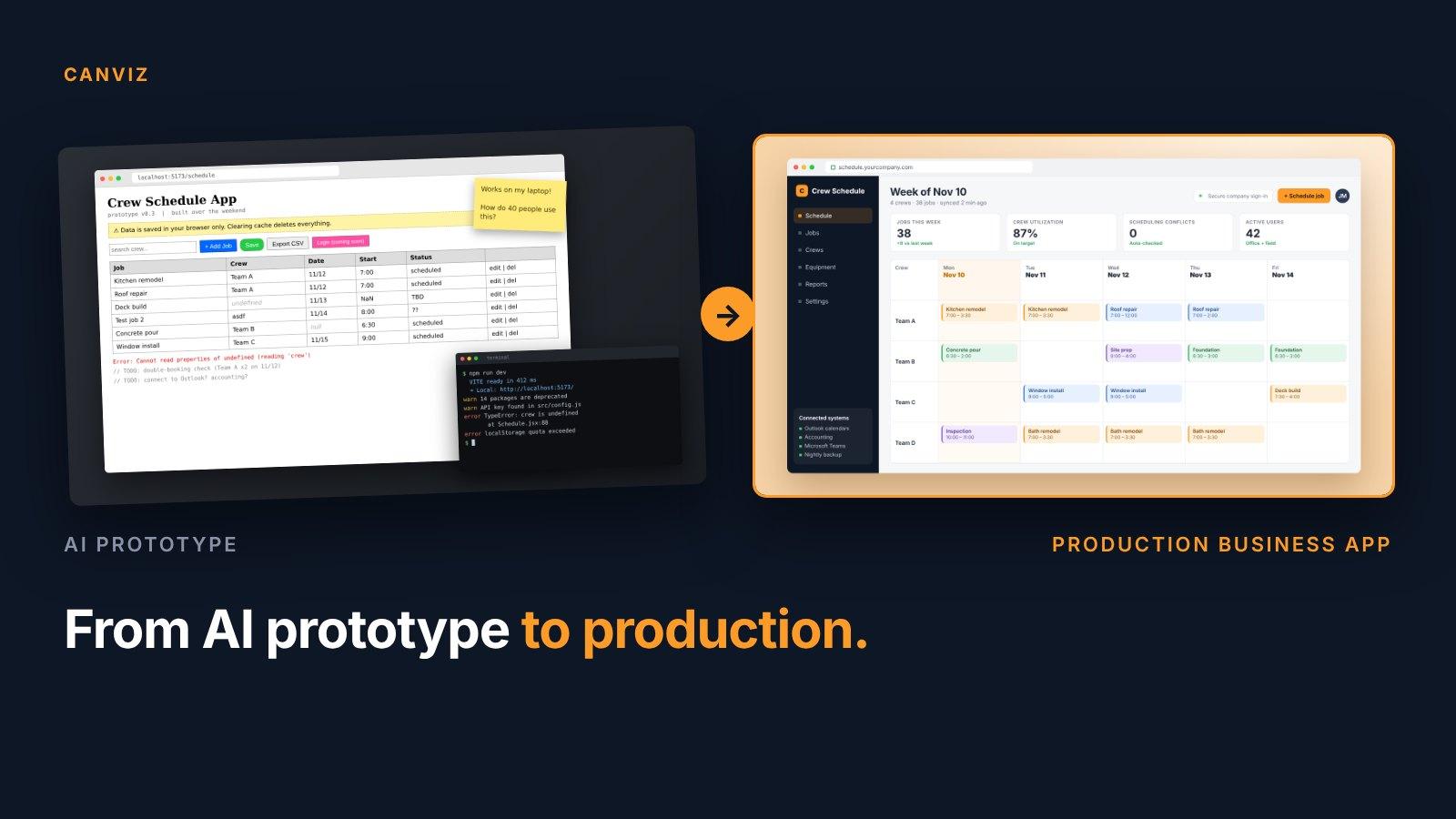
Every Friday afternoon, someone at Canviz was chasing timesheets.
Not because our people didn't care. Because the only way to log hours was to sit down at a computer, open our time tracker, pick a project, pick a role, and type the week in one row at a time. If you'd spent the week at a client site, on a plane or in back-to-back meetings, it waited until Monday. Sometimes it waited until month end, and a manager had to go and ask.
Here's the part that stung: we built that time tracker ourselves. It's a custom app our team wrote in-house, and for a long time it did exactly what we needed. It just stopped matching the way we work.
Transcript
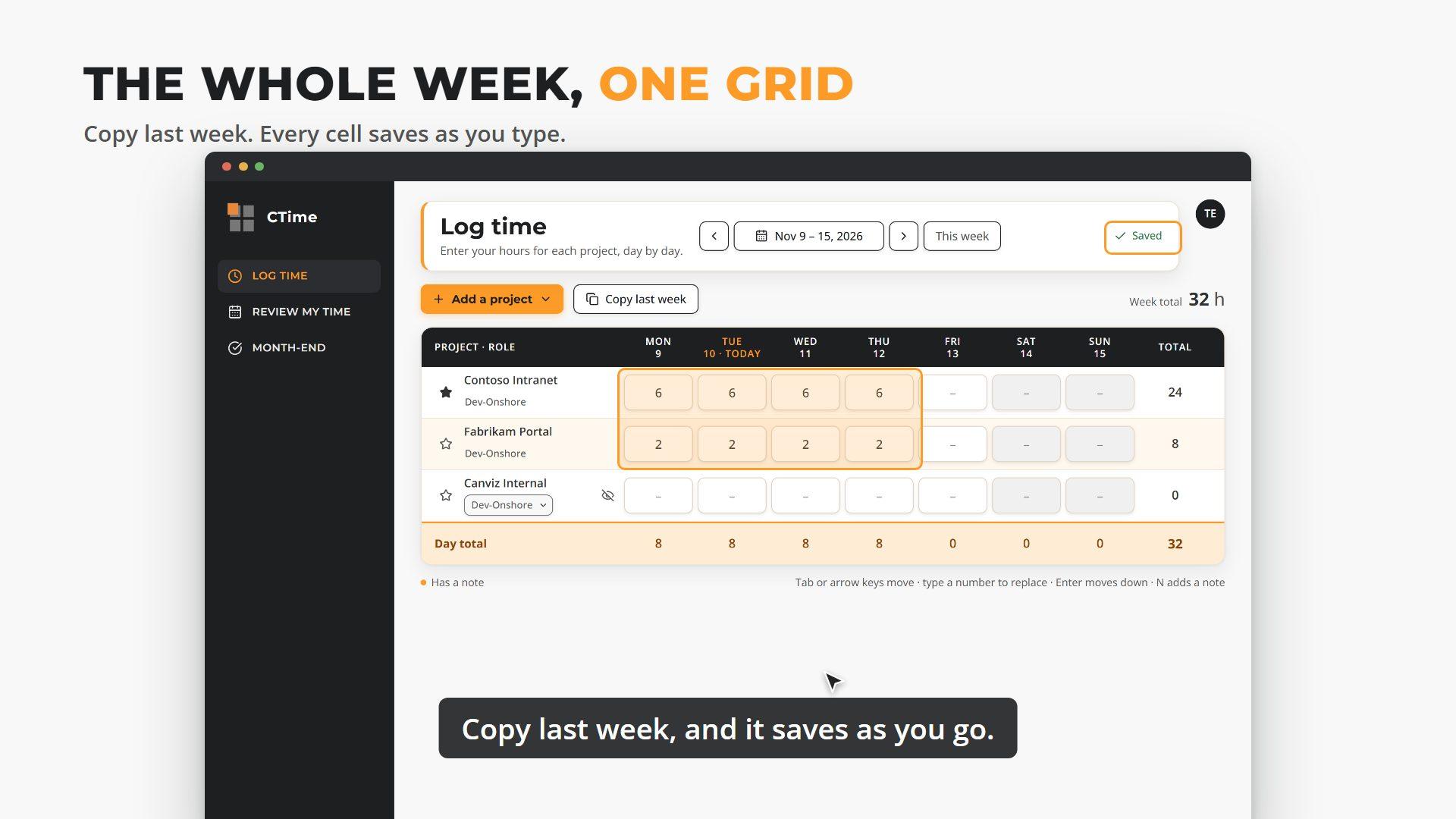
We built our own time tracker in-house, and it served us well. But it only worked at a desk, and logging a week took too many clicks. Reminders? Managers sent those by hand. Working with AI, we built CTime in about three weeks. On your phone, log a day in a few taps. On a tablet or desktop, the whole week is one grid. Copy last week, and it saves as you go. Before a timesheet is due, CTime sends the reminder. At month end, everyone confirms their hours. We built on what we already had, so nobody had to switch overnight, and reports and invoicing kept working. 92 features in 15 working days, by one developer with AI. What custom internal apps do you have that need a makeover?
The instinct to start over
When an internal app starts to feel dated, the reflex is to replace it. New platform, data migration, a freeze while everything moves, a cutover weekend, then retraining everyone on Monday morning. We've watched organizations spend more energy managing the switch than the new system saves in its first year.
We took a different route. Our in-house app already held every hour, project and role we track, and our resource planning and invoicing depend on that data. So instead of replacing it, we built on it.
The new app, CTime, uses the same data the old one does. Both run side by side. People move over when they're ready, nobody had to switch overnight, and our reports and invoices didn't skip a beat.
What AI actually changed
CTime went from the first day of work to ready for production in 15 working days. In that time, one Canviz developer, working with AI, delivered 92 features: week-by-week time entry, a phone-friendly day view, copy last week, reminders, month-end sign-off, team views for managers and reporting.
Here's how the work split.
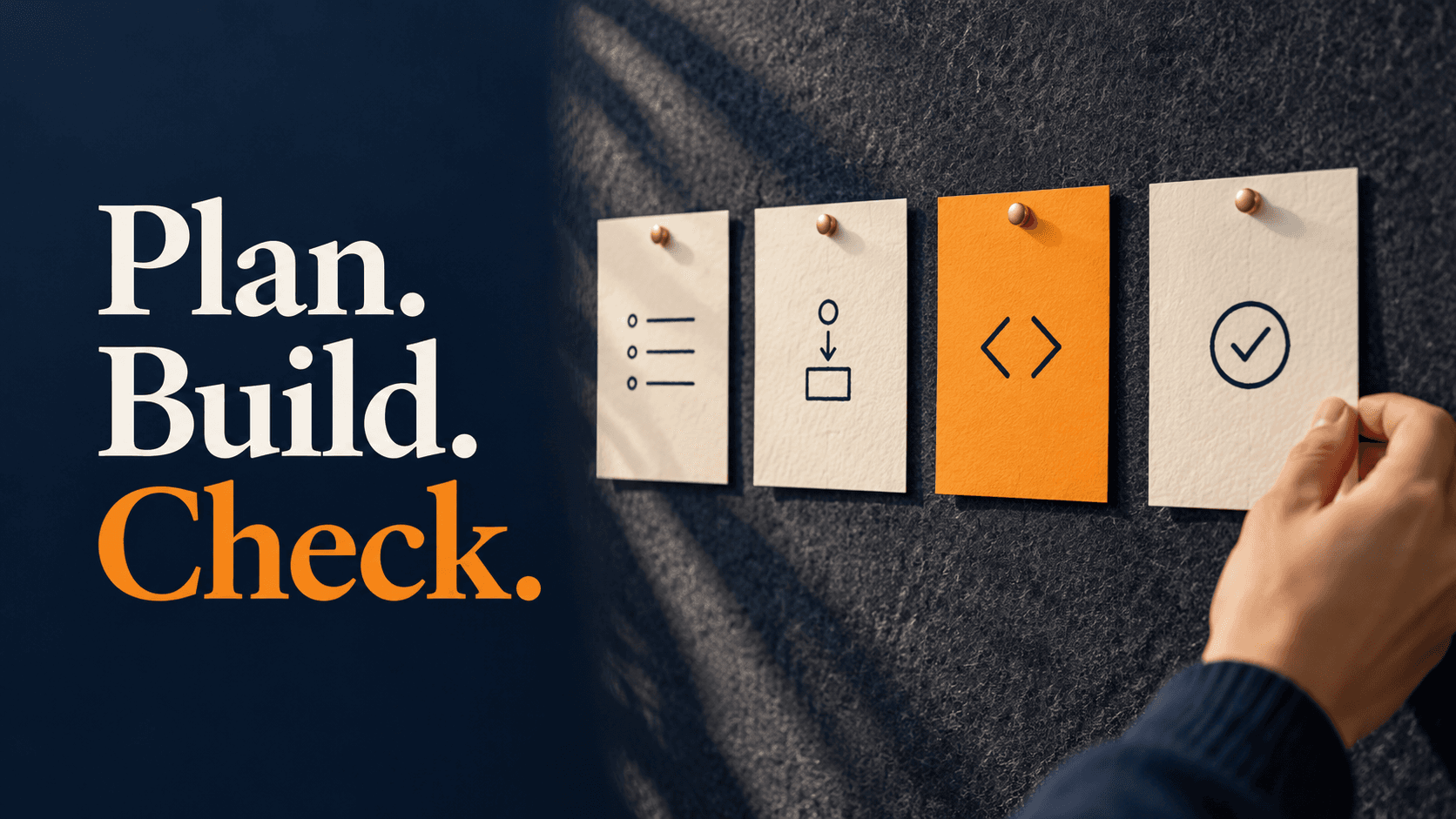
The AI did the heavy lifting. It wrote the bulk of the code and the automatic checks that go with it, working to a plan.
The developer did what AI can't: deciding what to build and in what order, shaping every screen around how our people actually log time, and knowing the old app well enough to build on it without breaking anything that depended on it. And every single change was checked by the developer before it went live.
Nothing shipped on trust. Every change had to pass automatic quality checks on phone, tablet and desktop sizes before it could reach anyone.
What AI didn't change is judgement. Knowing which 92 features mattered, which ones could wait, and which parts of the old system had to stay untouched: that came from understanding the business, not from the model.
What our people got
- Any device. On a phone, you log one day in a few taps. On a tablet or desktop, the whole week is a single grid.
- Less typing. "Copy last week" fills in your usual projects and hours in about three clicks, where the old app took about nine clicks per project, per week. Every entry saves as you go.
- Reminders before the deadline. A Friday afternoon nudge if the week looks short, a Monday morning reminder for anything missed, and a heads-up before month end. Managers no longer do the chasing by hand.
- A clean month end. Everyone confirms their own month, and the finance team sees who's done.
- One sign-in. People use their normal Microsoft work account.
We're running CTime with a pilot group now. Our goals: 90% of employees logging their full week before the Monday reminder, and 95% of months confirmed on time. We'll share the actual numbers once we have a full month of real use.
The lesson for your internal apps
Most organizations we work with have at least one app like ours. It was built in-house, or by a vendor who's long gone. It still does an important job. And it quietly holds the business back, because it only works the way people worked when it was written.
The question usually isn't "replace it or live with it." It's "what's worth keeping?"
Sometimes the answer is: almost everything except the front end. That was our case. Other times the platform itself has to go.
Either way, three questions get you most of the way to the right answer:
- What data and rules does it hold that the business depends on? Those are the things to protect.
- Who uses it, and where are they when they need it? That tells you what the new experience has to be.
- What can run side by side while people move over? That's how you take the risk out of the change.
Faster, without cutting corners
AI has changed how fast good software can be built. It hasn't changed what makes software good: understanding the work, protecting what already works, and making the change easy for the people who use it.
What custom internal apps do you have that need a makeover? If one comes to mind, a short design conversation is a low-risk way to find out what to keep, and how fast the rest can move.