When we use AI to develop software at Canviz, the work starts before we ask it to write code.
We need to understand what a feature should do, how the application already works, and which rules the change must respect. That context shapes the plan, the implementation, and the checks that follow.
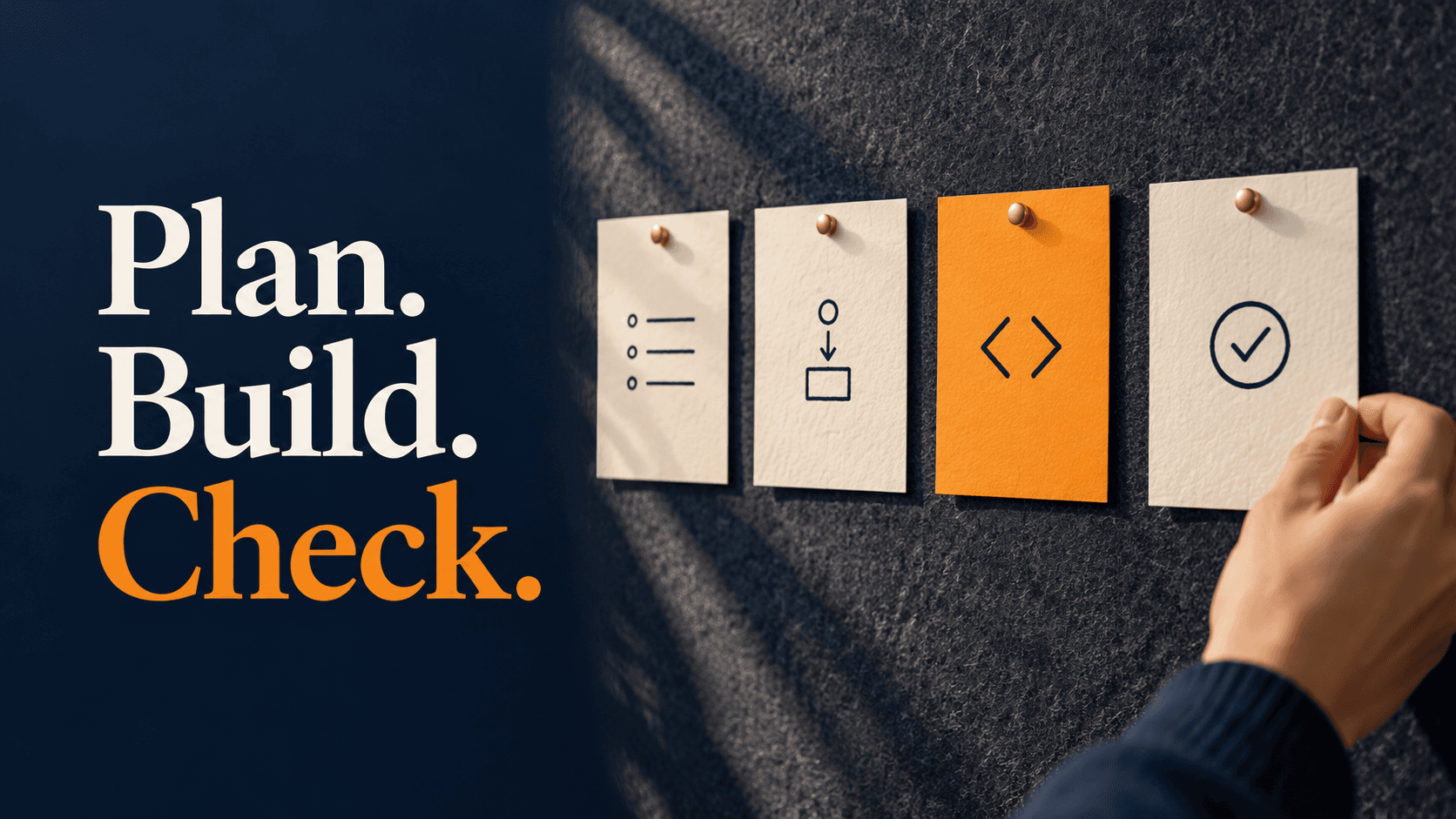
Our approach follows four steps: prepare the requirements, develop and review a plan, implement the changes with engineering review, and test the result. AI helps throughout that process.
Here is what that looks like in practice, and where your team fits into the work.
1. Prepare the requirements and context
Imagine adding an equipment issue report to an application. The request gives us a starting point, with several decisions still to make.
Who submits the report? What information is required? Who can see it? What happens after it is submitted? How should it connect to the rest of the application?
Screenshots or a simple walkthrough can help explain the intended behavior. Examples of ordinary and unusual situations help clarify the business rules.
Our engineers also bring relevant technical context into the task. That can include the existing screens, application services, reusable components, and database structure.
This gives the AI tool a basis for proposing changes that fit the application. The team must also establish which project information is appropriate to share with the selected tool and under what configuration.
The client's contribution is especially valuable here. You know where the current workflow causes trouble, which exceptions matter, and what staff will expect to happen.
2. Develop a plan and review it
We use AI to help outline the changes required, then review and refine that plan before implementation.
For the equipment report example, the work might involve a new form, a place to store the report, application logic to process it, and a view for the people handling the issue.
Those pieces need to agree. A required field on the screen should be handled consistently when the information is saved. A report should appear for the right people and remain unavailable to those without access.
Engineers review the proposed approach against the existing application and the requirements. If the plan takes an unsuitable direction, we revise it before more work depends on that decision.
This is also a useful point to settle scope. Does the first version need notifications, attachments, and an approval process, or is a simpler reporting workflow enough? Those are business choices with consequences for the build and ongoing support.
3. Implement and review the changes
Once the direction is agreed, AI helps produce the changes. Engineers review the proposed code, accept or reject changes, provide further instructions, and make manual edits where needed.
Review involves more than whether a new screen looks right. The change needs to fit the existing structure and behave correctly alongside the rest of the application.
For example, a report form might save successfully but fail to handle a repeated submission. Or it might introduce another version of a calculation that already exists elsewhere. These are the kinds of details the implementation needs to resolve.
Requirements can change as people see working software. When they do, the team needs to update the agreed direction and relevant documentation so later work follows the revised decision.
For the client, reviewing a working feature is often easier than interpreting a technical plan. Feedback about the actual workflow helps the team distinguish between a feature that meets the written request and one that fits the way people work.
4. Test the result against the requirements
We review the completed changes and test the feature before treating the work as finished.
The appropriate checks depend on the application. For the illustrative reporting feature, useful questions would include:
- Can the intended user submit and retrieve a report?
- Does missing or invalid information receive a clear response?
- Can only the right people view or change it?
- Does the information reach the connected parts of the system?
- Do existing workflows still behave as expected?
AI can help prepare tests and investigate failures. The checks still need to reflect the requirements and meaningful examples. Tests based on an incorrect assumption can repeat that assumption, as a reporting project we reviewed illustrates.
Technical testing and client review answer related questions. The software needs to behave correctly, and the people who use it need to confirm that the workflow supports their work. Agreeing on acceptance expectations early makes that review more useful.
Security checks should also match the application and its risks. Their scope should be clear, including whether specialist assessment is needed, rather than treating a general statement that the code was checked as sufficient.
Where AI helps the schedule
AI can reduce repetitive implementation work and help engineers prepare plans, documentation, and tests. It can also make it easier to explore an approach and revise it as the team learns.
The benefit varies with the task. A well-defined feature in a familiar application is different from a change involving undocumented rules and several external systems.
That is why a feature-level improvement should not become an automatic promise about the total project price or delivery date. Discovery, decisions, data preparation, approvals, and rollout still need time.
When discussing a project, we can explain where we expect AI to help and which other activities shape the schedule.
Plan for the people who will run it
A feature also needs a path into use and a clear owner afterward.
The release and handover plan should identify who will deploy it, handle access and configuration, maintain the documentation, and respond if something fails. The detail should suit the size and importance of the application.
Depending on the engagement, Canviz can continue supporting the software, work alongside your existing team, or help prepare an internal team to take over. Those arrangements are worth discussing during planning so the build leads into a workable support model.
Start with a feature you need
You do not need to arrive with a technical specification. A description of the task, a walkthrough of the current process, and a few examples can give us a useful place to begin.
Talk with Canviz about your next software project. We can work through the requirements and explain how an AI-assisted delivery process would apply to the work you have in mind.