The Challenge
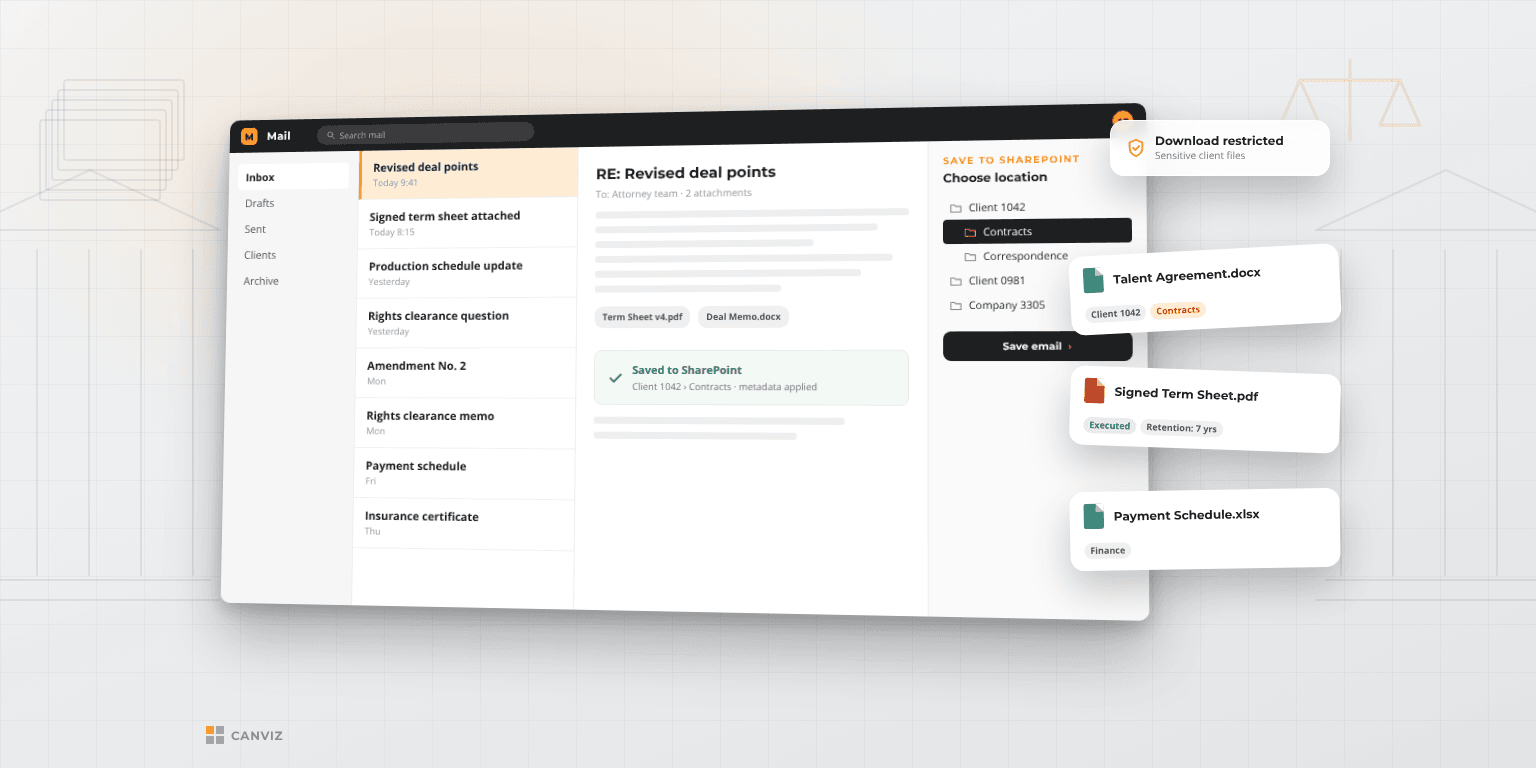
A law firm kept its documents on an on-premises Windows file server. Finding files depended on folder conventions and a separate desktop search tool, attorneys had no simple way to save or open documents from Outlook and Word, and the firm wanted tighter control over who could view and download sensitive files. It needed a modern document management setup built on the Microsoft 365 tools its people already used every day.
What We Built
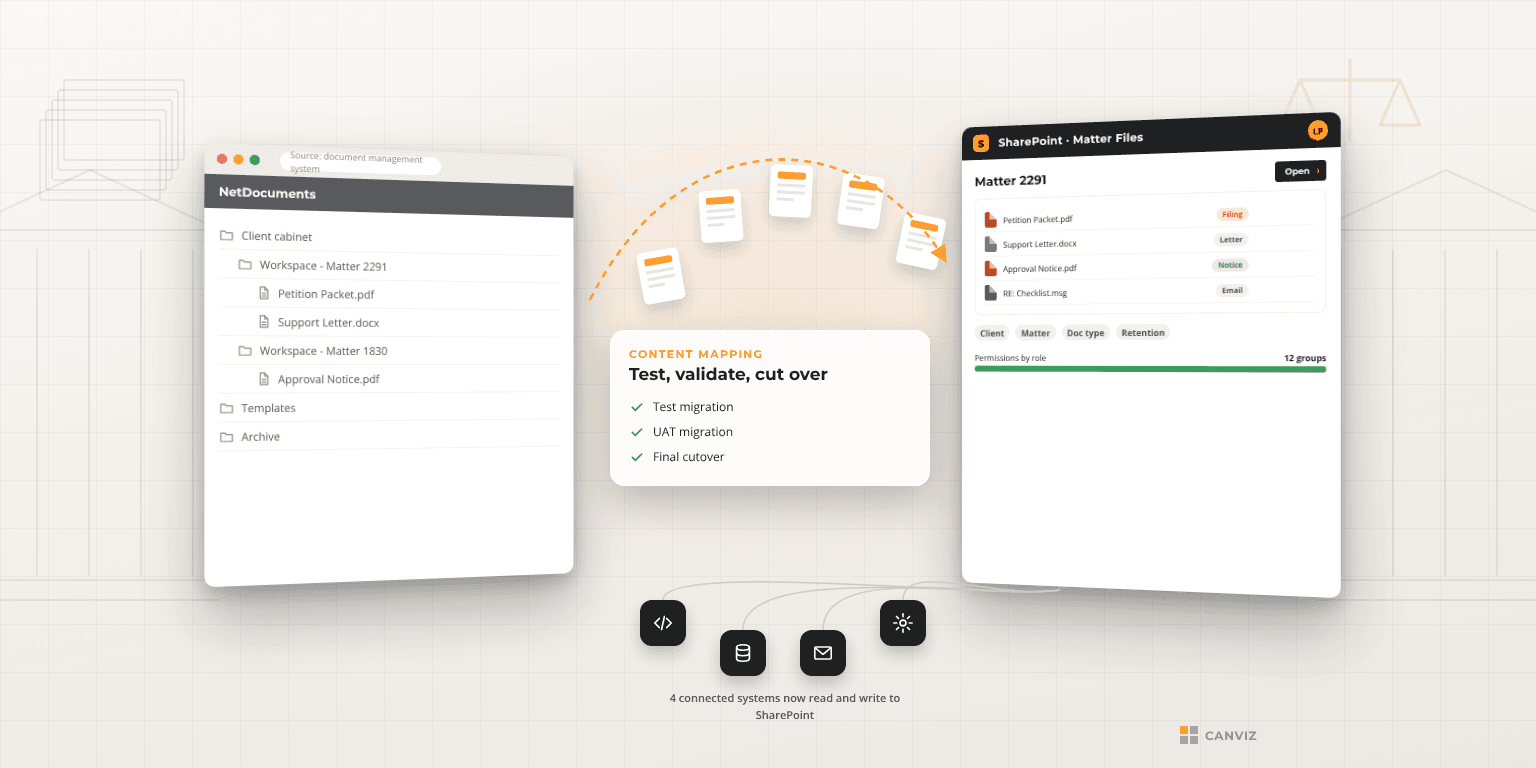
Canviz documented the firm's document management requirements and mapped them to Microsoft 365 (Office 365), with SharePoint Online at the center. The team configured sites and security, including file download restrictions, and built site templates so new attorney sites are quick to set up. Canviz added Office tools that let attorneys work with SharePoint from Outlook and Word, custom views and pages to review documents by client, company, or attorney, and custom search pages tuned to how the firm looks for files. Retention policies handle archiving and purging. Canviz then analyzed and migrated the file server content, validated permissions, and trained and supported users for two months after go-live.
The Outcome
The firm moved off its file server and onto SharePoint Online, with documents organized by client, company, and attorney, protected by download restrictions, and governed by retention policies. Attorneys can file and find documents from inside Outlook and Word, and new attorney sites come from a template instead of being built by hand. Recorded training sessions and reference materials gave staff a resource for adopting the new system at their own pace.
Have a similar challenge? Let's talk.
We bring the same depth of experience to every engagement. Tell us what you're facing.